Portal
This menu category is for features that are typically accessed when Bookyflow is used as a portal.
Approvals
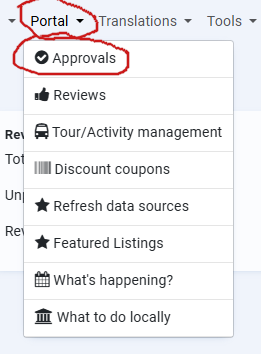
Properties can be marked as approved on this page.
In Site Configuration > Portal functionality tab there is an option “Automatically approve new properties?”
When a manager creates a property they are guided through the steps needed to make it complete, so once they have set their address, added images etc then the property is ready to be published.
If the Approval option is set to No, then once the property is ready to be published, site managers are emailed to tell them that they need to review the property and mark it as Approved. Once the property is approved, then the manager can publish it.
Likewise, if the property is edited it is again marked as unapproved and again site managers will need to re-approve the property before it can be published. This allows Site Managers to check that guests aren’t being encouraged to go off-site to make bookings.
Reviews
In Site Configuration > Portal Functionality there is an option “Automatically publish reviews?”
If that option is set to No then all new reviews will need to be published. Site administrators will be notified if there are any reviews to be published.
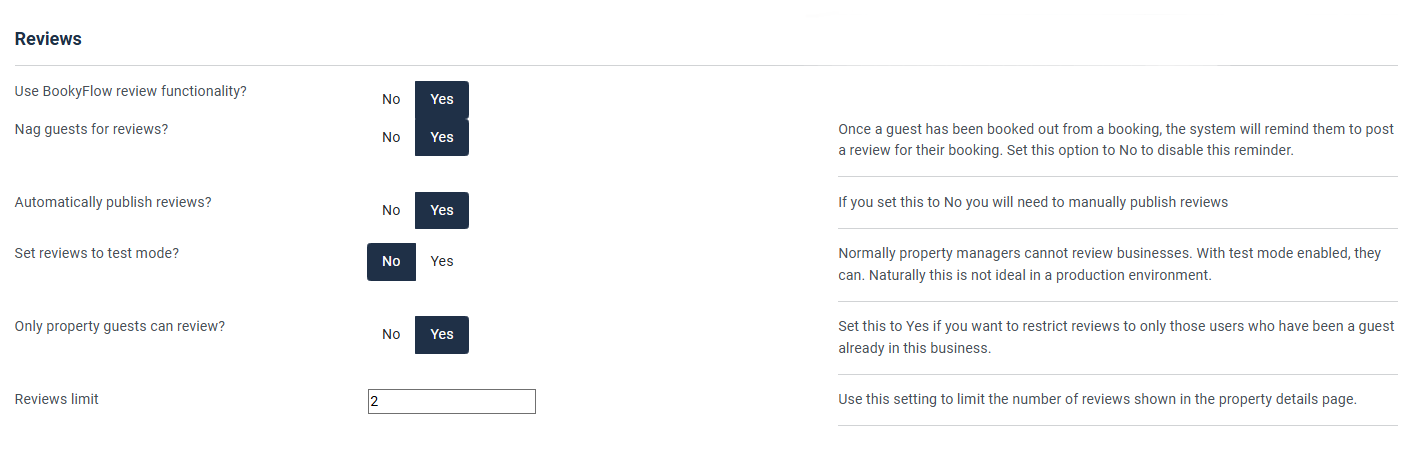
In Bookyflow there is a feature whereby a registered user can report a review. If a review is reported it is automatically unpublished and again site administrators can visit this page to decide whether or not to republish the review.
Refresh data sources
Data sources are discreet sets of data, language specific, that are automatically updated when properties are updated. These are stored in the bookyflow/temp/ directory and used by search scripts that offer the autocomplete feature.
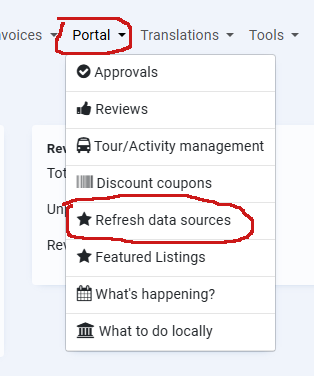
It’s unlikely that you’ll ever need to use this page to refresh those data sources, but the page exists in case it’s needed.