Introduction
An online booking system is probably unlike any Joomla or WordPress plugin you’ve used before. A self-hosted multi-vendor, multi-property booking engine has a lot of moving parts. If anybody tries to explain you their system is simple, then either it’s not very flexible or they’re selling you a SaaS (software as a service). With Bookyflow, You are going to be self-hosting a booking portal, which is a relatively ambitious task which will pay off if you take the time to learn its intricacies. Advantages are that you will be the owner and master without imposed restrictions from third parties.
Getting documentation right is hard. We have done that for many years and it is almost sure that it will never be pitched right for every user so let's see first how we will guide you through this document.
You’re going to be administering Bookyflow, therefore we can reasonnably assume that we do not need to tell you to click New to create a new Thing, or to click Save to save it. While it adds to the word-count, it doesn’t really add to the value of the document. Most of the settings are self-explanatory to most people in 2025, but if you have any questions that aren’t answered in this document please do not hesitate to contact us via the ticket system at https://tickets.bookyflow.com
You can also have a look at the Help, FAQ's and Community Forum of the BookyFlow website. https://bookyflow.com
Instead, this document is intended to be be slightly conversational, it will guide you through the pertinent areas of the administration of Bookyflow, pointing out various things you may want to know as it goes. Our intention with this approach is to provide you with the information you need to use the system without repeating what you already see on the web pages in Bookyflow.
Before starting to introduce you to the BookyflowAdministrator area, let's highlight to you two really important aspects of Bookyflow that you need to know. The first relates to what’s known as the Bootstrap Version. The second is who manages properties and how and where they do it.
1. Make sure you choose the correct version of Bootstrap in Site Configuration
Choosing the correct version of Bookyflow is very important. If you use the wrong version then the javascript and layout of your site will not work as expected.
This is addressed in more detail in the Settings > Misc tab > “Bootstrap version” section in this document.
If you have installed one of the Bookyflow Quickstarts then you can ignore this as this setting has already been set for you.
2. Property Management is done in the public area of your website
This is a quite unusual setting as most softwares do everything in the administrators back end menus. Having part of the admin done in front end present many benefits. Once you use it for while you quickly see the benefits of it but initially it could be a surprise to you. (For those totally recalcitrant to having part of the admin in front end, there is a plugin allowing to have it in backend, but up to now few if any use it).
*Property Management, I.E. Adding, removing, configuring properties, hotels, villas, apartments, cars, etc, is done in the “frontend”, the public facing pages of your site.
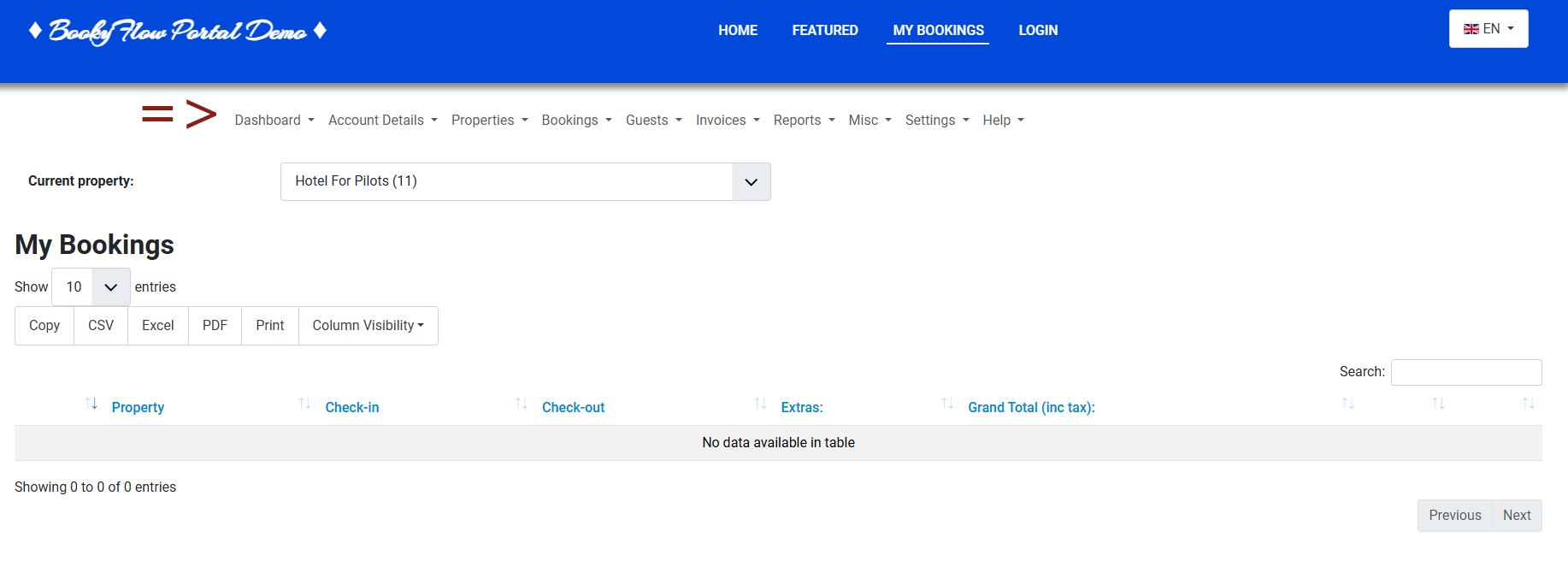
That’s why when you are in the backend administrator site you will see two big dark green buttons as illustrated in this screenshot . One marked - New Property - and another marked - Manage Properties -. They both are designed to attract your attention and to demonstrate to you (when you click on it) that you need to visit the public facing pages (the front end) of your site.

When Bookyflow is first installed, it will find the site administrator and make them a (super) property manager. If you are using one of the Quickstarts then that user’s username is ‘bookyflow’.
It will also add a link in the CMS’s main menu to the Bookyflow main page. In the menu this page is called Bookings. Property managers visiting this page will be able to administer their properties.
NB: If you are running Joomla, do not delete this menu option, or unpublish it.
Why?
Bookyflow was first created in 2005 as Jomres, it’s older than Joomla, and nearly as old as WordPress. In the very early days of both those CMSs there wasn’t the ability for SiteAdministrators to set user permissions for different roles to users in the administrator area, so if somebody had access to your administrator area, they would have complete power over your website. That would be No Good at all !
Almost from its inception, user requirements were for Bookyflow to be a multi-vendor system. Users wanted to allow people to register on their sites and create their own properties, like what’s now AirBNB or Booking.com do. Naturally builduing a software that allowed random, untrusted users to access the administrator area of your site was not acceptable. Therefore the solution was to allow users to use the login feature of the CMSs but to make it so that all property management was performed in the front end areas (public facing areas) of the site. From there it was possible to ensure that managers were only given access to functionality that they should have access to.
In the years since both Joomla and WordPress have improved the administrator area user permission features. However experience shows that having frontend property management has three very distinct advantages that explain why that feature is retained:
1. The delineation between what a property manager is, and what a site manager is, is very clear. Site Managers (that’s you, but you might be a property manager too) create room types, install plugins and work with the layout of their site. Property managers create and edit properties. There’s no confusion between the different roles.
2. The second advantage is that, for property managers, there’s no culture shock after they register for the first time and add their property. They’re still looking at the familiar frontend of your site but they’ve got a few more buttons to use to configure properties.
3. The administrator area of your site is very sensitive. There’s always the possibility that an admin area plugin is insecure and doesn’t offer as much security as it should, therefore keeping untrusted users away from the administrator area at all times is best practice.
How does somebody become a property manager? We will get to that in the Users > Property Managers section later.