Media Centre
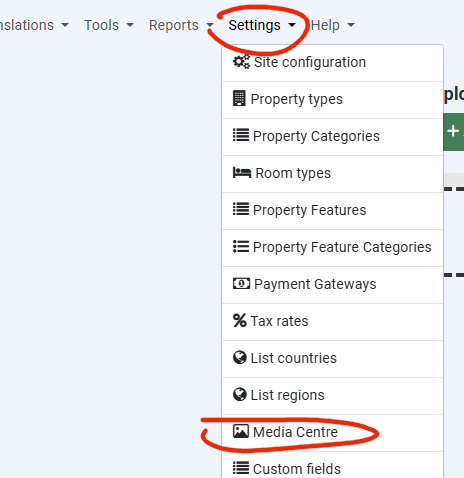
The Media Centre feature here allows you to upload images for administrator specific items.
Choosing the resource
First under the page title “Media Centre” you can select the resource you want to upload images for. Depending on the type of resource, you may be offered a sub-menu item to choose a specific item to upload images for.
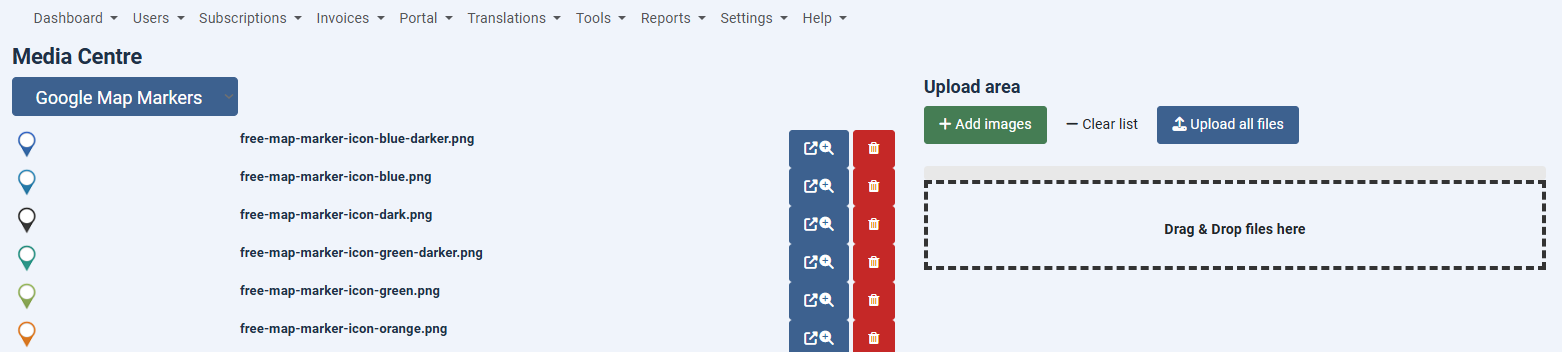
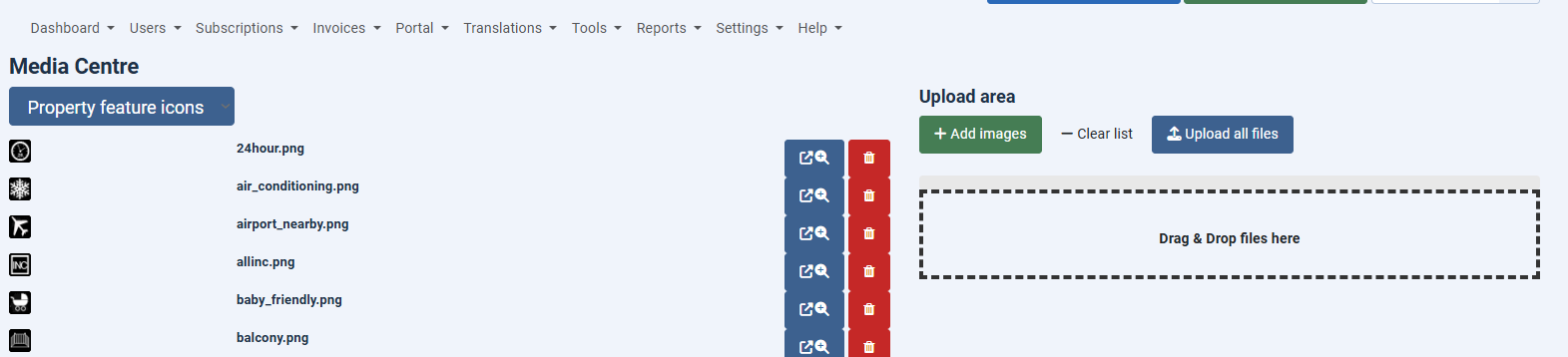 Underneath that you will see listed any images that have already been uploaded for this resource. If you want to you can delete them using the Trash Can icon.
Uploading images for the resource
On the right hand side of the page you can either select resources in the browser or just drag and drop images. These are automatically uploaded for the resource for you.